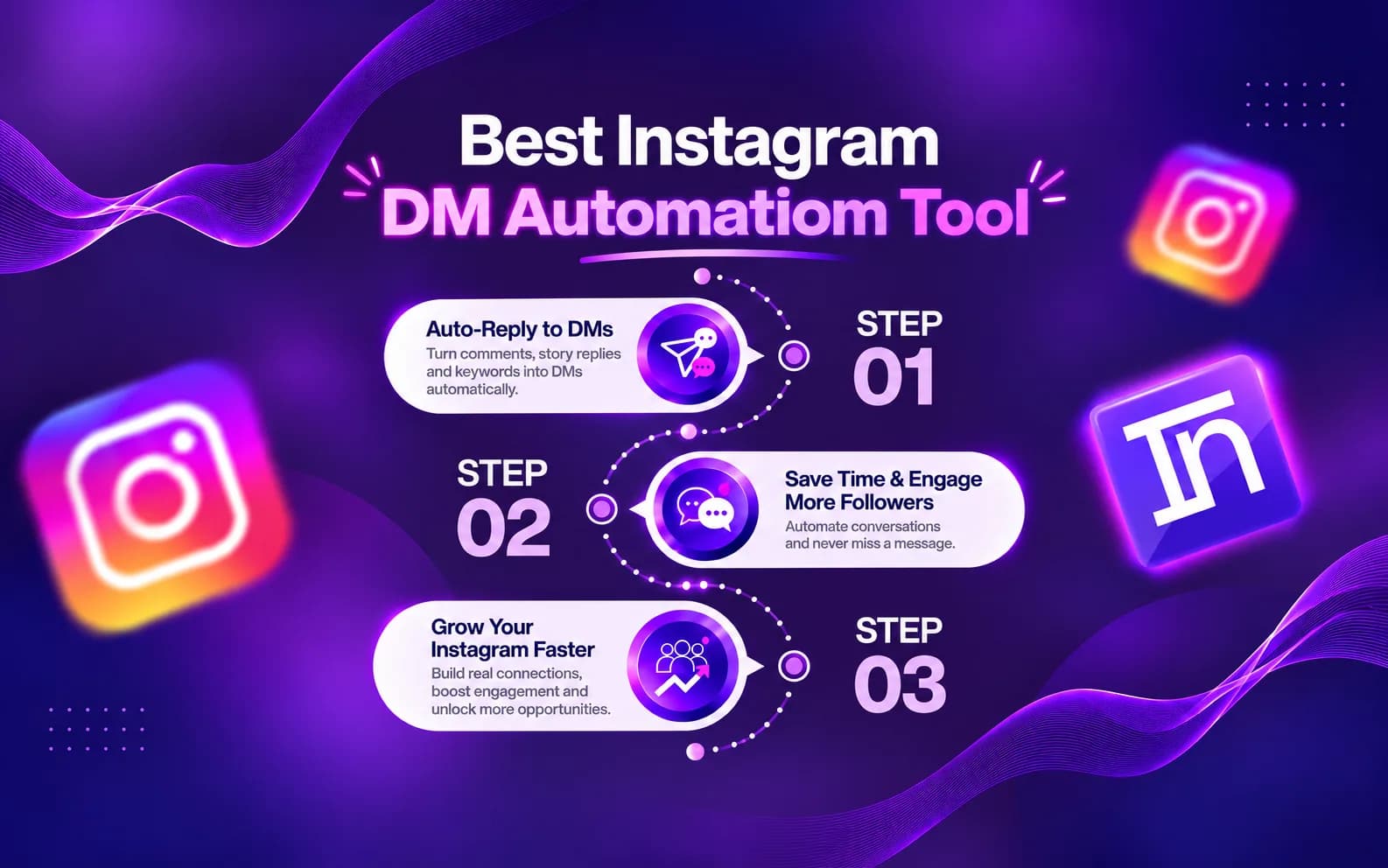
Imagine posting an Instagram Reel and receiving hundreds of comments like:
“LINK”
“PRICE”
“DETAILS”
“COURSE”
“HOW TO BUY?”
Replying manually to every comment takes time and can make you miss the moment when your audience is most interested.
This is where Instagram DM automation helps.
Instagram DM automation allows creators and businesses to automatically send messages when someone comments, replies to a Story, sends a DM, or interacts with selected content. Instead of writing the same response repeatedly, you can create your message once and let automation handle repetitive conversations.
For creators and businesses that want a simple way to manage Instagram conversations, INFLUISH provides a creator-focused Auto-DM workflow that helps turn audience interactions into organised conversations.
What Is Instagram DM Automation?
Instagram DM automation is a system that sends automatic direct messages based on specific triggers.
For example:
- A business posts a Reel about a new product.
- The caption asks users to comment “PRICE”.
- A customer comments “PRICE”.
- The automation detects the keyword.
- The customer receives a private Instagram message with product details.
This process is also known as:
- Instagram Auto-DM
- Instagram message automation
- Instagram automatic reply
- Instagram comment-to-DM automation
- Instagram keyword automation
- Instagram DM bot
A good Instagram DM automation tool helps businesses and creators communicate faster while keeping conversations useful and relevant.
Why Do Creators and Businesses Need Instagram DM Automation?
1. Save Time on Repeated Replies
Creators and businesses often receive the same questions every day.
People ask for:
- Product prices
- Website links
- Course details
- Discount codes
- Free guides
- Collaboration information
- WhatsApp links
Typing the same answer manually wastes valuable time.
With Instagram Auto-DM, you can create one response and automatically deliver it whenever someone performs the selected action.
2. Respond While Audience Interest Is High
When someone comments on your Reel or sends a message, they are showing interest.
A quick response can help continue the conversation before the person loses interest.
Instagram DM automation helps you provide information immediately without waiting hours to reply manually.
3. Convert Comments Into Conversations
A comment is public engagement.
A DM creates a private conversation.
For example:
Comment:
“GUIDE”
Automatic DM:
“Hey! Thanks for commenting. Here is your free guide: [link]”
This simple workflow helps creators and businesses move followers from public interactions into direct conversations.
4. Generate More Leads
Businesses can use Instagram DM automation to collect interested customers.
Examples:
- Real estate businesses can share property details.
- Coaches can send consultation links.
- Ecommerce brands can share product pages.
- Educators can deliver course information.
- Creators can share media kits.
Automation does not guarantee sales, but it can make the customer journey faster and more organised.
What Can You Automate on Instagram?
Depending on account permissions and available features, Instagram automation can support different workflows.
Instagram Comment to DM Automation
You can send automatic messages when someone comments a keyword.
Popular keywords include:
- LINK
- GUIDE
- PRICE
- COURSE
- DETAILS
- COLLAB
Example:
A fitness creator posts a Reel:
“Comment WORKOUT and I will send my free plan.”
When someone comments WORKOUT, the automation sends the plan through Instagram DM.
Instagram Keyword Automation
Businesses receive many similar questions through Instagram messages.
Keyword automation can help answer common queries like:
- Price
- Location
- Availability
- Booking
- Services
- Offers
Story Reply Automation
Creators and brands can automate replies when followers respond to Stories.
Examples:
- Product launches
- Poll responses
- Question stickers
- Offers
- Announcements
Reel Comment Automation
Instagram Reels are one of the biggest sources of engagement.
With Reel comment automation, creators can automatically respond when viewers comment specific words.
This helps manage high-performing content without manually replying to every person.
What Makes the Best Instagram DM Automation Tool?
Choosing the right Instagram automation tool depends on safety, features, and ease of use.
A reliable tool should include:
Official Instagram Connection
A safer automation platform should connect through approved Instagram and Meta systems instead of asking users for passwords.
INFLUISH uses Meta-supported API connections for Instagram workflows.
Easy Automation Setup
Creators and businesses should not need complicated technical knowledge.
A simple setup should allow users to:
- Select a trigger
- Add a keyword
- Write a message
- Add a link
- Activate automation
Useful Message Controls
A good Instagram DM automation tool should allow users to edit, pause, and manage their automated messages.
Natural Conversations
Automation should not feel robotic.
Messages should be:
- Short
- Helpful
- Clear
- Related to the original content
Why INFLUISH Is a Popular Instagram DM Automation Option
Many automation tools are designed mainly for large businesses and agencies.
Creators often need something simpler.
INFLUISH combines Instagram Auto-DM with creator-focused tools, making it useful for creators, influencers, and businesses that want more than only message automation.
Features include:
- Instagram Auto-DM
- AI content tools
- Instagram insights
- Creator growth tools
- Collaboration features
- Invoice tools
INFLUISH is designed for creators who want to manage audience interactions and creator workflows from one platform.
How to Set Up Instagram DM Automation with INFLUISH
The setup process is simple:
Step 1: Create Your INFLUISH Account
Download the INFLUISH app and create your creator or business account.
Step 2: Connect Instagram
Connect your professional Instagram account through the available Meta authentication process.
Step 3: Open Auto-DM
Go to the automation section and select Auto-DM.
Step 4: Select Your Trigger
Choose when the message should be sent.
Examples:
- Comment keyword
- DM keyword
- Story interaction
Step 5: Add a Keyword
Choose a simple keyword.
Examples:
- GUIDE
- LINK
- PRICE
- COURSE
Step 6: Create Your Message
Write a helpful message.
Example:
“Hey! Thanks for commenting. Here is the guide you requested: [link]”
Step 7: Add Public Reply
You can add a public comment reply:
“Sent you the details in DM. Check your inbox.”
Step 8: Test and Activate
Check your keyword, message, and link before making the automation live.
Instagram DM Automation Examples
Free Guide
Keyword:
GUIDE
DM:
“Thanks for requesting the guide. You can access it here: [link]”
Product Sales
Keyword:
PRICE
DM:
“Here are the product details and current pricing: [link]”
Course Promotion
Keyword:
COURSE
DM:
“Thanks for your interest. You can check the course details here: [link]”
Brand Collaboration
Keyword:
COLLAB
DM:
“Thanks for reaching out. Share your details here: [form link]”
Instagram DM Automation Best Practices
Keep Messages Short
People usually want the information they requested quickly.
Deliver What You Promise
If your Reel says “Comment GUIDE”, send the guide.
Use Simple Keywords
Short keywords are easier for users to remember.
Update Old Automations
Remove expired links and outdated campaigns.
Add Human Replies When Needed
Automation is helpful for repeated questions, but complex conversations may need personal replies.
Instagram DM Bot vs Instagram DM Automation
The term Instagram DM bot can mean different things.
Some tools use approved API-based automation.
Other tools may use unsafe methods like browser automation or password access.
Before choosing an Instagram DM automation tool, check:
- How it connects to Instagram
- Whether it asks for your password
- Whether messages require user interaction
- Whether you can control and pause automation
The goal should be useful automation, not random bulk messaging.
Frequently Asked Questions
What is the best Instagram DM automation tool?
The best tool depends on your requirements. Look for features like official connections, easy setup, message controls, and useful automation workflows.
Can Instagram automatically send DMs?
Yes. Instagram automation tools can send automatic messages after selected triggers such as comments, keywords, or Story interactions.
Can I send a link through Instagram Auto-DM?
Yes. Creators and businesses commonly use Auto-DM to send guides, product links, websites, forms, courses, and resources.
Is Instagram DM automation safe?
Automation can be safer when it uses official connections, user-triggered actions, and controlled messaging. No tool can guarantee absolute safety.
Can businesses use Instagram DM automation?
Yes. Businesses can use automation for customer questions, product information, lead collection, and customer support workflows.
Can creators use Instagram Auto-DM?
Yes. Creators use Auto-DM to share resources, collect leads, send links, and manage audience conversations.
Final Thoughts
Instagram DM automation helps creators and businesses save time, respond faster, and build better conversations with their audience.
The right Instagram DM automation tool should focus on useful communication, simple workflows, and controlled automation.
INFLUISH helps creators and businesses manage Instagram Auto-DM along with other creator-focused tools, making it easier to organise conversations and improve audience engagement.
If you want to stop replying manually to every Instagram comment, start using an organised Auto-DM workflow and turn your comments into meaningful conversations.