Introduction
Instagram creators receive hundreds of comments, questions, and requests every day. People ask for product links, free guides, prices, course details, discount codes, and collaboration information.
Replying to every person manually takes time and can make creators miss important conversations.
This is where Instagram Auto DM helps.
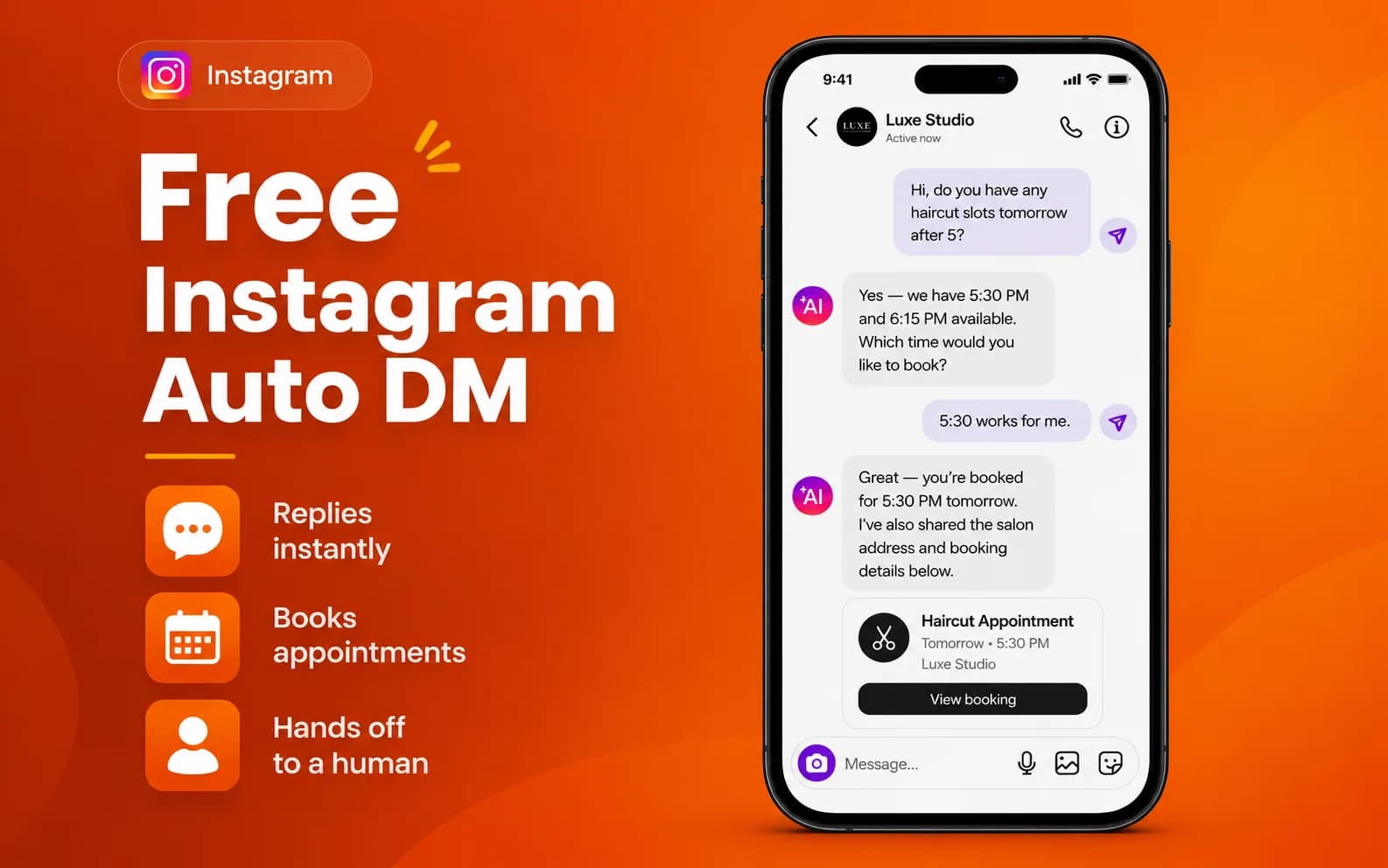
A free Instagram Auto DM workflow allows creators to send automatic direct messages after specific actions like comments, keywords, or incoming messages. Instead of typing the same reply again and again, creators can prepare a message once and automate repetitive communication.
For creators who want a simple and affordable Instagram automation solution, INFLUISH provides creator-focused tools to manage Auto-DM workflows, content tools, and audience conversations.
What Is Free Instagram Auto DM?
Free Instagram Auto DM means using automation to send automatic Instagram messages without manually replying to every user.
For example:
- A creator uploads a Reel.
- The creator asks viewers to comment “GUIDE”.
- Someone comments “GUIDE”.
- The automation detects the keyword.
- The user receives a private Instagram message with the requested information.
This process is also known as:
- Instagram Auto DM
- Instagram automatic reply
- Instagram DM automation
- Instagram comment-to-DM automation
- Instagram keyword automation
A good Auto DM system helps creators respond faster while keeping conversations useful and organised.
Why Do Creators Use Instagram Auto DM?
1. Save Time
Creators spend many hours answering repeated questions. Instagram Auto DM reduces manual work by automatically handling common requests.
For example, instead of replying individually to:
- “Send the link”
- “What is the price?”
- “Where can I buy this?”
- “Can you share the PDF?”
Creators can create one automated response.
2. Share Links Faster
Instagram Auto DM can help creators share:
- Website links
- Product pages
- Course links
- Free resources
- WhatsApp communities
- Discount codes
- Collaboration forms
When someone is interested in your content, sending information quickly can create a better experience.
3. Convert Comments Into Conversations
A comment is public engagement, but a DM creates a private conversation.
For example:
“Comment GUIDE and I will send it to your DM.”
After receiving the comment, an automatic message can provide the guide and continue the conversation.
Tools like INFLUISH help creators manage these comment-to-message workflows from a creator-focused platform.
4. Improve Audience Experience
People expect quick responses online. An automatic message helps followers receive useful information without waiting for hours.
What Can You Automate With Instagram Auto DM?
Creators can use Instagram Auto DM for many different purposes.
Comment Keyword Automation
A creator can select keywords like:
- GUIDE
- LINK
- PRICE
- COURSE
- COLLAB
When someone comments the selected keyword, the automation can send a private message.
Instagram Reel Auto DM
Reels often receive high engagement. Creators can use Reel automation to share:
- Free downloads
- Product information
- Tutorials
- Offers
- Community links
DM Keyword Automation
Creators can create automatic replies when followers send common words like:
- Price
- Details
- Course
- Collaboration
Story Reply Automation
Instagram Story replies can also become a trigger for automated conversations depending on account permissions and available features.
Is Free Instagram Auto DM Safe?
No automation tool can guarantee complete safety or zero account restrictions.
However, safer Instagram automation usually follows these practices:
Use Official Connections
Avoid tools that ask for your Instagram password or use unsafe methods.
A safer platform connects through approved Instagram and Meta systems.
Use User-Based Triggers
Good automation starts after someone interacts with your content, such as:
- Commenting on a Reel
- Sending a message
- Replying to a Story
Send Useful Messages
Automation should provide value instead of sending random promotional messages.
For example:
Good:
“Here is the free guide you requested.”
Not useful:
“Buy our product now” without context.
How to Set Up Instagram Auto DM With INFLUISH
Setting up Auto DM is simple:
Step 1: Create Your Account
Download the INFLUISH app and create your creator account.
Step 2: Connect Instagram
Connect your professional Instagram account through the available secure connection process.
Step 3: Open Auto DM
Go to the automation section and select Auto DM.
Step 4: Choose Your Trigger
Select when the message should be sent:
- Comment keyword
- Message keyword
- Other supported interactions
Step 5: Create Your Message
Write a short and helpful DM.
Example:
“Hey! Thanks for commenting. Here is the guide you requested: [link]”
Step 6: Test and Activate
Check your keyword, message, and link before starting your automation.
Instagram Auto DM Message Examples
Free Guide
Keyword:
GUIDE
Automatic message:
“Hey! Thanks for requesting the guide. You can access it here: [link]”
Product Details
Keyword:
PRICE
Automatic message:
“Thanks for your interest. Here are the product details: [link]”
Course Promotion
Keyword:
COURSE
Automatic message:
“Here are the complete course details. Check them here: [link]”
Brand Collaboration
Keyword:
COLLAB
Automatic message:
“Thanks for your interest in collaborating. Please share your details here: [form link]”
Free Instagram Auto DM vs Manual Replies
Manual Replies | Instagram Auto DM |
|---|---|
Takes more time | Saves time |
Requires repeated typing | Uses saved messages |
Hard during viral posts | Handles repeated requests |
Slower response | Faster communication |
For growing creators, automation helps manage conversations without spending hours on repetitive replies.
Best Practices for Instagram Auto DM
Follow these tips:
- Use simple keywords
- Keep messages short
- Deliver what you promised
- Update old links
- Test your automation regularly
- Avoid spam-like messaging
- Add personal replies when needed
Instagram automation works best when it supports real conversations.
Why Creators Choose INFLUISH for Instagram Auto DM
Many automation tools are designed for large businesses and can feel complicated for individual creators.
INFLUISH focuses on creator workflows by combining automation with other creator features.
Creators can use INFLUISH for:
- Instagram Auto DM
- Content ideas
- Captions and hooks
- Creator insights
- Invoice tools
- Collaboration support
Instead of using separate tools for every task, creators can manage different parts of their workflow in one place.
Frequently Asked Questions
What is Instagram Auto DM?
Instagram Auto DM sends automatic messages after a selected action, such as a keyword comment or message.
Can I send automatic DMs from Instagram comments?
Yes. Comment-to-DM automation allows creators to send messages when users comment a selected keyword.
Is there a free Instagram Auto DM tool?
Some platforms offer free trials or limited features. Creators should check available features, permissions, and pricing before choosing a tool.
Can Instagram Auto DM send links?
Yes. Auto DM can be used to share guides, products, websites, courses, PDFs, and other resources.
Can I use Auto DM for Instagram Reels?
Yes. Many creators use Reel Auto DM to share resources and continue conversations with viewers.
Final Thoughts
Free Instagram Auto DM helps creators save time, respond faster, and manage audience conversations more effectively.
The goal of automation is not to send more messages. The goal is to send the right message at the right time after genuine audience interaction.
With tools like INFLUISH, creators can build a more organised Instagram workflow and spend more time creating content instead of repeating the same replies.