Introduction
Creating professional-looking Reels is no longer limited to expensive cameras or advanced editing skills. Today, creators can record, improve, and share high-quality videos directly from their smartphones.
The quality of your camera setup can influence how viewers experience your content. Clear visuals, better framing, and a smooth recording process can help your Reels look more professional.
This is where Influish InCam helps creators.
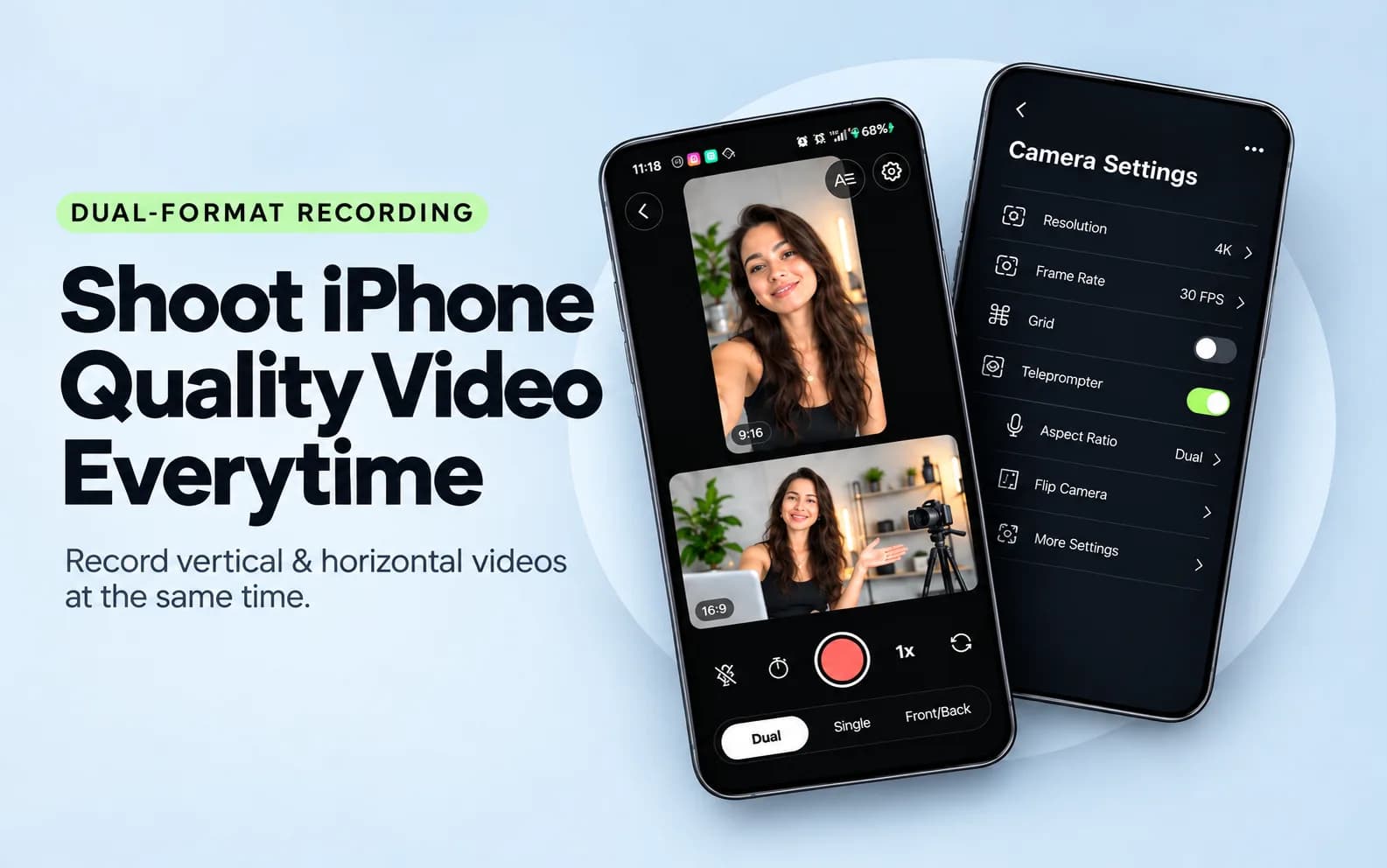
Influish InCam is a free creator camera app designed to make Reel creation easier. It helps creators capture better videos, improve their recording workflow, and create content that looks more polished.
Whether you are a beginner creator, influencer, educator, or business owner, a dedicated creator camera app can make the content creation process faster and simpler.
What Is Influish InCam?
Influish InCam is a free camera app built for creators who want to record professional-looking videos for platforms like Instagram, YouTube, and other social media channels.
Traditional smartphone cameras are designed for general photography. A creator-focused camera app focuses on the needs of people who create content regularly.
With Influish InCam, creators can focus on:
- Recording better Reels
- Improving video quality
- Creating consistent content
- Making the recording process easier
- Capturing content without complicated equipment
A good creator camera app removes unnecessary steps and allows creators to spend more time focusing on ideas, storytelling, and audience connection.
Why Do Creators Need a Professional Camera App?
Social media content has become more competitive. Thousands of videos are uploaded every day, and creators need content that quickly captures attention.
A professional camera app can help creators improve their workflow in several ways.
1. Create Better Quality Reels
Video quality is one of the first things viewers notice.
A clear video with good lighting, proper framing, and smooth recording can make your content look more professional.
Influish InCam helps creators record videos that are ready for social media without depending on expensive camera equipment.
2. Save Time During Content Creation
Many creators spend too much time adjusting settings, recording multiple times, or trying different apps before creating one Reel.
A creator-focused camera app simplifies the process.
You can open the app, prepare your shot, record your content, and continue with your editing and publishing workflow.
3. Make Content Creation Easier for Beginners
Not every creator understands professional cameras, lenses, or complex video settings.
A simple camera app allows beginners to focus on creativity instead of technical problems.
Creators can spend more time planning:
- Hooks
- Scripts
- Story ideas
- Educational content
- Product videos
4. Build a Consistent Content Style
Successful creators often maintain a consistent visual style.
Using the same camera app regularly can help creators develop a familiar look across their videos.
Consistency can help audiences recognise your content and understand your brand identity.
Features Creators Look For in a Camera App
A creator camera app should be designed around real content creation needs.
Some important features include:
High-Quality Video Recording
Creators need clear and detailed videos for Reels, Shorts, and other platforms.
Better recording quality helps content look more professional when uploaded.
Easy Camera Controls
Creators need simple controls that allow them to adjust their videos quickly.
A clean interface makes recording easier, especially when creating content frequently.
Creator-Friendly Workflow
The best camera apps reduce unnecessary steps.
From recording to publishing, every part of the process should feel simple and efficient.
Mobile Content Creation
Most creators record content using smartphones.
A mobile-first camera app allows creators to produce professional content without carrying additional equipment.
How Influish InCam Helps Reel Creators
Instagram Reels require creators to produce content consistently.
Many creators struggle with:
- Recording ideas quickly
- Maintaining video quality
- Creating professional visuals
- Managing content production
Influish InCam helps solve these challenges by giving creators a dedicated tool for recording content.
Instead of using multiple apps for different tasks, creators can simplify their workflow with creator-focused tools from Influish.
Who Can Use Influish InCam?
Influish InCam can be useful for different types of creators.
Influencers
Influencers can record lifestyle videos, product reviews, collaborations, and daily content with a smoother workflow.
UGC Creators
UGC creators can create brand videos with a professional appearance while recording directly from their phones.
Educators
Teachers, coaches, and educators can record tutorials, lessons, and informational videos.
Business Owners
Small businesses can create product demonstrations, behind-the-scenes videos, and promotional content.
Beginner Creators
New creators can start making better videos without investing in expensive camera equipment.
How to Create Professional Reels Using Influish InCam
Creating better Reels is not only about using a good camera app. Your content strategy also matters.
Follow these steps:
Step 1: Plan Your Content Idea
Before recording, decide what your Reel will communicate.
Create a simple structure:
- Hook
- Main information
- Call to action
Step 2: Prepare Your Recording Setup
Make sure you have:
- Good lighting
- Clean background
- Clear audio
- Stable camera position
Step 3: Record Using Influish InCam
Open Influish InCam and record your content.
Focus on delivering your message naturally instead of trying to make everything perfect.
Step 4: Review Your Video
Check your recording before publishing.
Look for:
- Video clarity
- Framing
- Audio quality
- Message delivery
Step 5: Publish Consistently
A professional camera app helps you create better videos, but consistency is what helps creators build an audience.
Influish InCam vs Normal Phone Camera
A normal phone camera works well for everyday photos and videos.
However, creators have different requirements.
Normal Phone Camera | Creator Camera App |
|---|---|
General photography | Built for content creation |
Basic recording experience | Creator-focused workflow |
Requires extra tools | Designed for social media creators |
Not always optimized for Reels | Helps simplify Reel creation |
A creator camera app focuses on making video production easier for people who regularly create content.
Tips to Make Professional Instagram Reels
Even with a good camera app, creators should follow basic content practices.
Use Good Lighting
Lighting can completely change how your video looks.
Natural light or a simple creator setup can improve your visuals.
Focus on the First Few Seconds
The opening moments of your Reel are important.
Start with a strong idea, question, or interesting statement.
Keep Your Background Clean
A simple background keeps attention on you and your message.
Record Multiple Takes
Professional creators often record multiple versions before choosing the best one.
Add Value
Quality visuals are helpful, but useful content is what keeps viewers interested.
Frequently Asked Questions
What Is Influish InCam?
Influish InCam is a free creator camera app designed to help creators record better videos and create professional-looking Reels.
Is Influish InCam Free?
Yes, Influish InCam is positioned as a free creator camera app for content creators.
Can I Use Influish InCam for Instagram Reels?
Yes, creator camera apps like Influish InCam can help creators record videos designed for platforms such as Instagram Reels.
Do I Need a Professional Camera to Create Reels?
No. Many creators create successful content using smartphones and creator-focused camera apps.
Who Should Use Influish InCam?
Influencers, UGC creators, educators, business owners, and beginners who create social media videos can use Influish InCam.
Can a Camera App Help My Content Grow?
A camera app can improve your recording quality and workflow. However, audience growth depends on many factors, including content quality, consistency, and audience engagement.
Final Thoughts
Creating professional Reels does not always require expensive equipment.
A simple creator camera app can help you improve your recording process, create better visuals, and spend more time focusing on your content ideas.
Influish InCam gives creators a free and simple way to record professional-looking videos directly from their smartphones.
For creators who want to improve their Reel quality and build a consistent content workflow, using the right camera tools can make the creation process easier.
Start creating, keep experimenting, and continue improving your content with creator-focused tools.