Introduction
Getting views and comments on Instagram is exciting. But getting people to follow your account is a different challenge.
Someone might love your Reel, leave a comment, and never visit your profile again. That means you could be missing an opportunity to build your audience.
This is where Instagram DM automation becomes useful.
Instead of manually replying to every comment, you can send automatic messages, share valuable resources, and encourage interested viewers to follow your account.
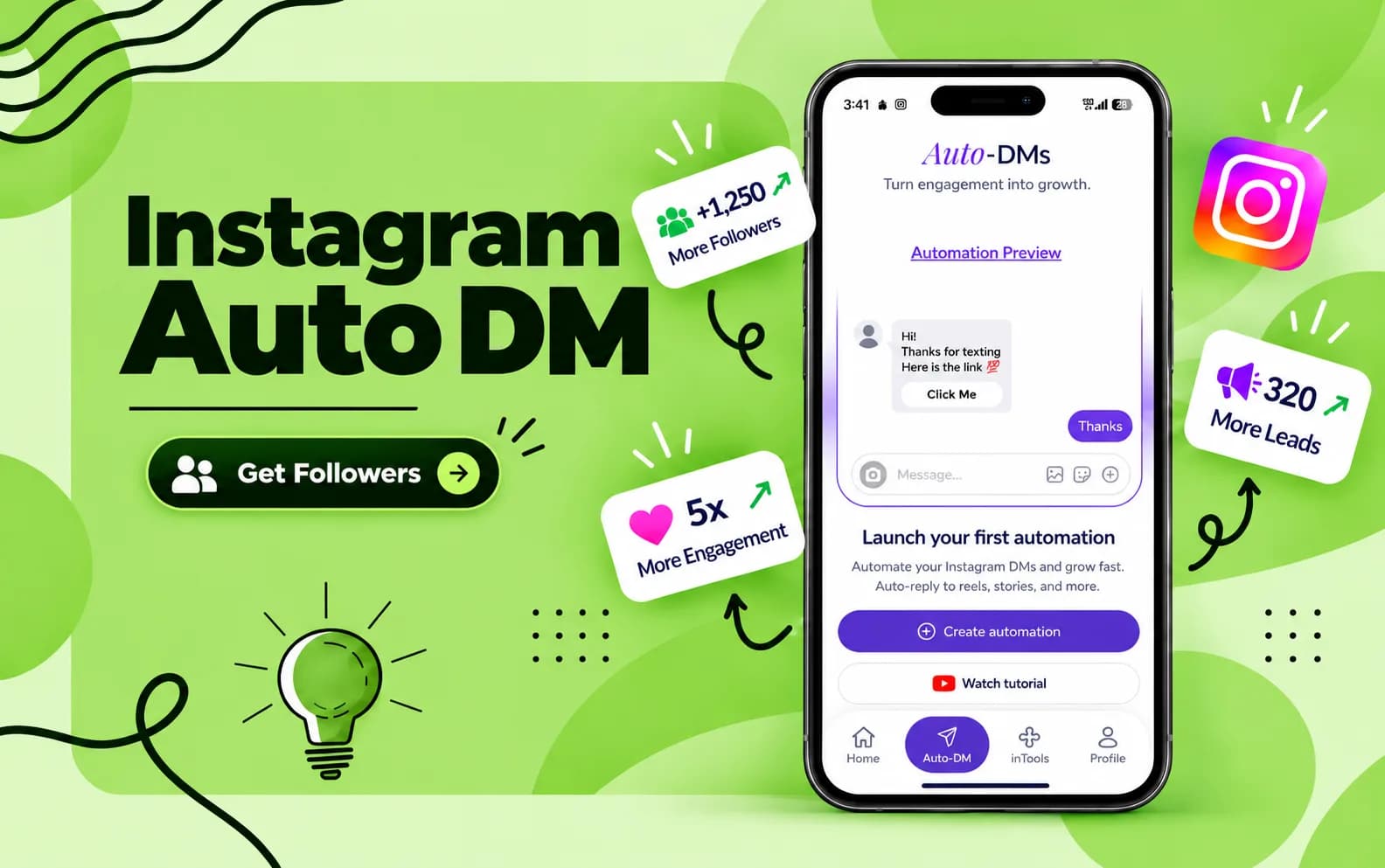
With Influish, creators can turn Instagram comments into direct conversations using an easy, mobile-first Auto-DM tool.
Let's understand how it works and how you can use it to grow your Instagram followers.
What Is Instagram Auto DM Automation?
Instagram auto DM is a feature that automatically sends direct messages when someone performs a selected action, such as commenting on your Reel.
You create a message, select a comment keyword, and activate your campaign. When someone comments that keyword, the tool sends your prepared message.
For example, imagine you create fitness content.
You publish a Reel showing five exercises and write, "Comment WORKOUT to get my free exercise guide."
When someone comments WORKOUT, your DM automation delivers the requested guide.
You can also invite that person to follow your account for more fitness content.
This process helps you turn a simple Instagram comment into a useful conversation and creates another opportunity to gain an interested follower.
How Does Instagram Auto DM Help Convert Comments Into Followers?
Getting comments is only the beginning. The real goal is to give viewers a reason to return to your content.
Here's how Instagram comment automation supports that process.
1. Start Conversations Instantly
When someone comments on your Reel, they are showing interest in your content.
An automatic DM allows you to respond quickly without manually messaging every person.
A timely response makes it easier for interested viewers to access your content and continue the conversation.
2. Give Viewers a Reason to Follow
People are more likely to consider following accounts that regularly share content they enjoy.
Your automated message can introduce your page and explain what followers receive.
For example:
"Thanks for commenting! I share free fitness tips every week. Follow my page if you want more workouts."
This is a simple way to encourage genuine followers without sending unrelated promotional messages.
3. Share Valuable Content Automatically
With Influish, you can use auto DM to share resources such as free guides, product links, course information, and special offers.
When viewers receive something useful, they have another reason to explore your profile.
4. Save Time While Growing
Replying manually becomes difficult when your Reels receive hundreds of comments.
Instagram DM automation handles repeated requests, allowing you to spend more time creating content and personally answering important questions.
However, automation cannot guarantee followers. Your content quality and audience interest remain essential.
How to Set Up Instagram DM Automation with Influish
Setting up Instagram DM automation does not require advanced technical knowledge.
Follow these nine steps to create your campaign using Influish. The platform supports comment triggers, personalised messages, public replies, and optional follow requests.
Step 1: Download the Influish App
Visit Influish and download the app. Register as a creator to access the platform's growth tools.
Step 2: Connect Your Instagram Account
Connect your professional Instagram account through the available Meta login process.
Influish states that it uses Meta's official APIs and does not require you to share your Instagram password directly with the service.
Step 3: Open InTools
Open the Influish app and navigate to the InTools section.
Select Auto-DM to start creating your campaign.
Step 4: Choose an Automation Trigger
Choose the Instagram Post or Reel you want to automate.
Select your preferred trigger, such as a specific keyword or any eligible comment.
Step 5: Add a Keyword
Choose a simple keyword that matches your content.
For example, use GUIDE for educational content, LINK for product recommendations, or WORKOUT for fitness resources.
Make the keyword easy for your audience to remember.
Step 6: Create Your Message
Write the automatic DM that viewers will receive.
Include the promised information and, if appropriate, a friendly invitation to follow your account.
Influish also offers an optional follow-request feature within its messaging workflow.
Step 7: Add a Public Reply
Create a public response for people who comment.
For example: "Thanks for commenting! Check your DMs for more details."
A public reply helps viewers understand what happens after they comment.
Step 8: Review and Go Live
Review your keyword, message, links, and selected settings.
Test your DM automation before activating the campaign.
Once everything works correctly, publish your automation.
Step 9: Monitor the Results
Review comments, message delivery, audience responses, and available performance information.
Update your campaign whenever your content, links, or offers change.
Instagram Auto DM Examples for Different Creators
Different creators can use Instagram auto DM to encourage meaningful audience interactions.
Fitness Creators
Ask viewers to comment WORKOUT to receive a free exercise plan. Deliver the plan and invite them to follow your account for regular fitness advice.
Fashion Creators
Ask viewers to comment OUTFIT to receive product recommendations. Share the requested shopping links and introduce your other styling content.
Education Creators
Invite students to comment NOTES to receive free study materials. Use the message to introduce your educational content and future lessons.
Food Creators
Ask viewers to comment RECIPE to receive cooking instructions. Share the recipe and encourage them to explore similar recipes on your profile.
With Influish, creators can build these campaigns without manually responding to every repeated request.
Best Practices for Converting Comments Into Followers
Successful Instagram automation begins with useful content.
Choose resources that match your audience's interests. Someone watching a fitness Reel should receive fitness-related information, not an unrelated sales promotion.
Keep your automated messages short and conversational. Deliver what your content promises, and make your invitation to follow feel natural.
Use one clear call to action in each campaign. Complicated instructions can discourage interested viewers from participating.
Finally, continue publishing valuable content. Your auto DM introduces people to your account, but your regular content gives them a reason to stay.
How to Measure Your Instagram Follower Growth
After activating your DM automation, track the results instead of focusing only on comment numbers.
Review the number of relevant comments, messages delivered, audience responses, profile visits, and new followers.
Use Instagram Insights and any relevant information available through your automation tool.
Compare your results across different campaigns. Identify which keywords, resources, and content topics attract people who genuinely enjoy your work.
Remember that follower growth can come from several activities happening simultaneously. Automation results alone cannot prove that every new follower came from an automatic message.
Frequently Asked Questions
Can Instagram Auto DM Increase Followers?
Yes, Instagram auto DM can help introduce your account to interested viewers and encourage them to follow. However, actual follower growth depends on your content and audience.
Can I Automatically Message Someone Who Comments?
Yes. Supported comment-to-DM tools allow you to send a prepared message after someone comments on eligible content.
Is Instagram DM Automation Safe?
Official API connections, proper permissions, and responsible messaging practices can reduce certain risks. No automation tool can guarantee complete protection against account restrictions.
Meta provides official Instagram API documentation covering professional account access and relevant permissions.
Can Beginners Use Influish?
Influish offers a mobile-first interface designed for creators. Its Auto-DM feature lets users configure comment triggers, messages, and public replies.
How Much Does Influish Cost?
Influish currently advertises a creator plan costing ₹499 per year, including Auto-DM and additional creator tools. Check its website for updated pricing and features.
Final Thoughts
Turning Instagram comments into followers requires more than collecting engagement. You need to start useful conversations and consistently publish content worth following.
Instagram DM automation helps creators respond faster, share valuable resources, and introduce their accounts to interested viewers.
With Influish, you can simplify repeated replies and build a more organised Instagram growth strategy.
Start with a useful Reel, choose a relevant keyword, and create an automated conversation that gives viewers a genuine reason to follow.