Introduction
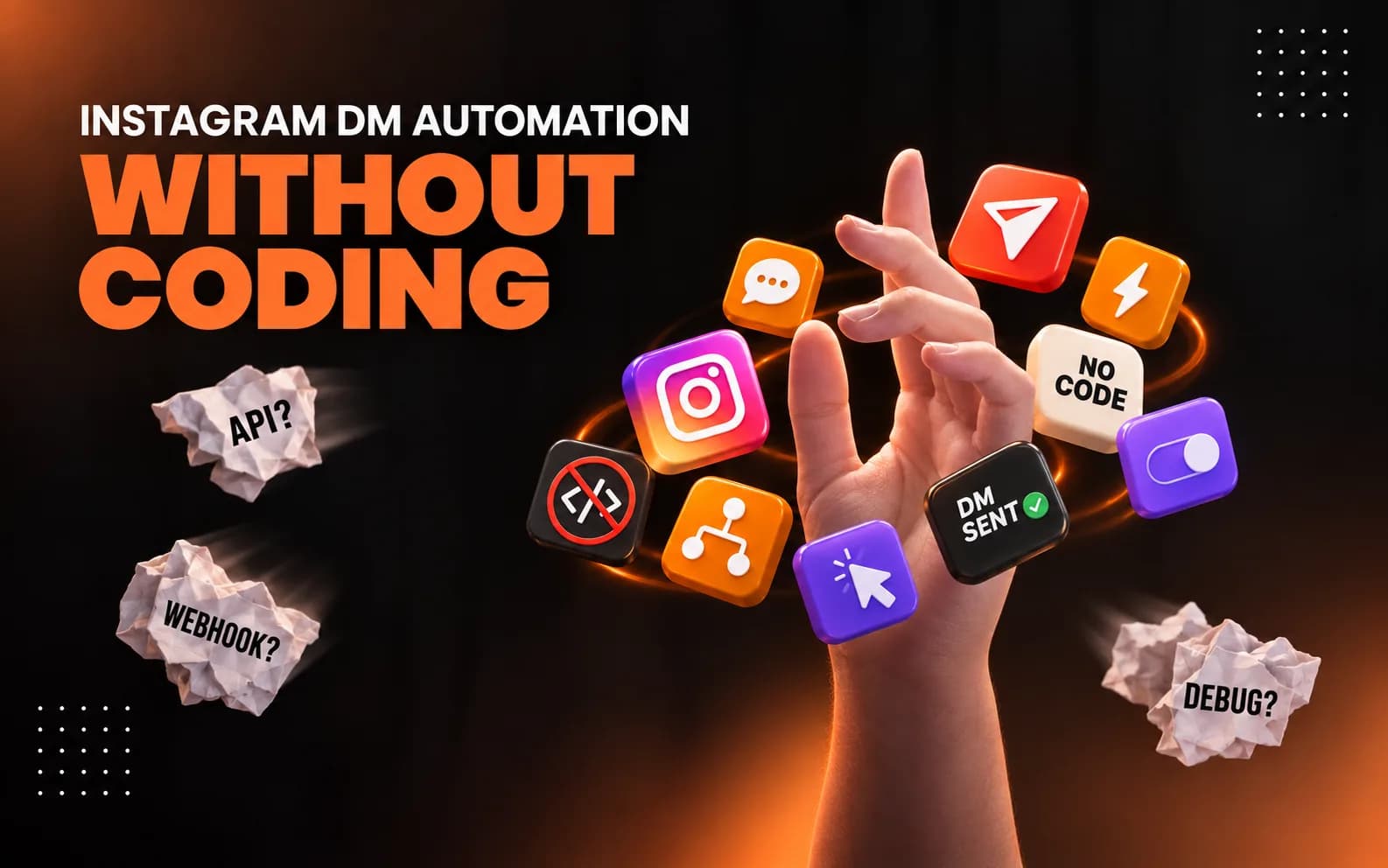
You do not need to be a developer to automate Instagram messages. Today, creators can use Instagram DM automation without writing code, building a bot, or learning technical tools.
Imagine posting a Reel and asking viewers to comment “GUIDE.” Instead of checking every comment and sending the same link manually, automation can send the promised information automatically. This saves time and helps you reply while people are still interested.
For creators who want a simple mobile-first option, INFLUISH makes Auto DM easier to set up without coding. You choose the trigger, add a keyword, write your message, and activate the workflow.
What Is Instagram DM Automation Without Coding?
Instagram DM automation without coding means creating automatic Instagram messages through a visual tool instead of writing software.
Simple workflow:
- You publish a Post or Reel.
- You ask people to comment a keyword.
- Someone comments that keyword.
- The automation detects the action.
- The person receives a direct message.
Example: your Reel can say, “Comment LINK and I will send you the product.” When someone comments LINK, your DM automation sends the product link automatically.
No coding is required because the tool handles the technical connection in the background.
Why Use No-Code Instagram DM Automation?
Save time on repeated replies.
Creators often receive the same questions again and again. People ask for a link, price, PDF, course, product details, or WhatsApp group. With Instagram DM automation, you can create one reply and use it whenever the selected trigger happens.
Reply when interest is fresh.h
When someone comments on your Instagram Reel, they are interested at that moment. A fast automatic message can deliver the next step without making them wait for a manual reply.
Turn comments into direct conversations.ns
Comments are public, but DMs are private. With DM automation, you can move an interested viewer from a comment to a useful private conversation.
No technical setup is needed here.
What Can You Automate Without Coding?
No-code Instagram DM automation can support many creator workflows.
Use case | Keyword | Automatic message |
|---|---|---|
Free guide | GUIDE | Send a PDF or resource link |
Product details | PRICE | Send price and product link |
Affiliate content | LINK | Send the requested affiliate link |
Course promotion | COURSE | Send course details |
Brand collaboration | COLLAB | Send a media kit or form |
Community | JOIN | Send a WhatsApp or community link |
Lead magnet | START | Send a checklist or signup page |
The best workflow is simple: promise something useful in your content and make sure the automatic DM delivers exactly that.
How to Set Up Instagram DM Automation with INFLUISH
You can create a no-code workflow in INFLUISH without writing scripts or connecting complicated software.
Step 1: Download the INFLUISH App
Install INFLUISH and create your creator account. The app keeps creator tools in one mobile-first experience.
Step 2: Connect Your Instagram Account
Connect your professional Instagram account through the available Meta login flow. A safer automation setup should not require you to hand over your Instagram password to an unofficial bot.
Step 3: Open InTools
Inside INFLUISH, open InTools and select Auto DM. This is where you can start building your automatic message workflow.
Step 4: Choose an Automation Trigger
Select what should start the automation. A common option is a comment on a Post or Reel. Depending on the available features, other audience actions may also be supported.
Step 5: Add a Keyword
Choose a short word that is easy to type and remember. Good examples include LINK, GUIDE, PRICE, PDF, COURSE, DETAILS, START, and COLLAB.
Step 6: Create Your Message
Write a short DM that gives the person what they asked for.
Hey! Thanks for commenting. Here is the guide you requested: [link]
Keep the first message useful. Do not hide the promised link behind a long sales message.
Step 7: Add a Public Reply
When supported, add a public reply so they know to check their inbox.
Example:
Sent it to your DM. Please check your inbox.
Step 8: Review and Go Live
Check the keyword, link, public reply, and private message. Test the full automation before promoting it in a Reel or Post.
Step 9: Monitor the Results
Review your active workflow and pause it when the offer, campaign, or link is no longer valid. Good Instagram DM automation should stay relevant to the content that triggered it.
No-Code Instagram DM Automation Examples
Free guide
Caption: Comment “GUIDE” and I will send you the free checklist.
Automatic DM: Hey! Here is the checklist you requested: [link]
Product link
Caption: Want the product link? Comment “LINK.”
Automatic DM: Thanks for your interest. Here is the product link: [link]
Course details
Caption: Comment “COURSE” for the full details.
Automatic DM: Here are the course modules, price, and enrolment page: [link]
With INFLUISH, the creator can set up this DM automation without building a chatbot from scratch.
Brand collaboration
Caption: Brands can comment “COLLAB” for partnership details.
Automatic DM: Thanks for reaching out. You can view my collaboration details here: [link]
Do You Need Coding for Instagram Automation?
No. You do not need to know Python, JavaScript, APIs, or web development to use a no-code Instagram DM automation tool.
The platform handles the technical parts. Your job is to decide:
- What action should trigger the message?
- Which keyword should people use?
- What should the DM say?
- Which link should be included?
- When should the workflow be active?
This makes no-code automation useful for creators, coaches, educators, UGC creators, freelancers, affiliate marketers, and small businesses.
Is No-Code Instagram DM Automation Safe?
No tool can promise zero account risk. A better approach is to use controlled, user-triggered automation and avoid tools that depend on password sharing, scraping, or random bulk messaging.
A safer setup should use an official connection, send messages after genuine user actions, let you edit or pause workflows, and give you control over what is sent.
INFLUISH uses a creator-focused Instagram DM automation approach designed around supported account connections and user-triggered actions. Creators should still follow Instagram rules and keep their messages useful.
No-Code Automation vs Manual Instagram Replies
Manual replies | No-code DM automation |
|---|---|
You type every message | Message is created once |
Replies can be delayed | Trigger can respond faster |
Repeated work increases | Repetitive work is reduced |
Harder during viral Reels | Easier to handle repeated requests |
Links must be sent manually | Requested links can be delivered automatically |
Manual replies are still useful for personal conversations. The goal of automation is not to replace real communication. It is to handle repetitive steps so you can spend more time on useful conversations.
Best Practices for No-Code Instagram DM Automation
Use one clear keyword for each campaign. Keep the automatic message short. Give people the promised value first. Test every link before activation. Use natural language. Pause old campaigns. Reply manually when someone needs personal help.
Also, do not use Instagram DM automation to send random unsolicited messages. The strongest workflows begin after a person comments, replies, or takes another clear action.
Why Creators Choose INFLUISH for No-Code Auto DM
INFLUISH is built for creators who want useful tools without a complicated technical dashboard. Its Auto DM feature helps creators build automatic message workflows from a mobile-first experience.
Creators can use INFLUISH for Instagram DM automation alongside other creator-focused tools such as content ideas, performance insights, account information, invoices, collaboration guidance, and campaign opportunities.
For a creator who simply wants to turn a keyword comment into a useful DM, this can be easier than building a complex chatbot or connecting several tools.
Frequently Asked Questions
Can I automate Instagram DMs without coding?
Yes. A no-code DM automation platform lets you choose triggers, keywords, and messages through a simple interface.
Can I send an automatic DM after a Reel comment?
Yes. Comment-to-DM automation can send a private message after a selected comment or keyword trigger.
Do I need a professional Instagram account?
Many Instagram automation features require an eligible professional Creator or Business account and the required permissions.
Can I send links through Auto DM?
Yes. Creators can send product links, guides, PDFs, course pages, forms, community links, and other promised resources.
Is coding needed to use INFLUISH Auto DM?
No. INFLUISH is designed so creators can set up Auto DM without writing code.
Can automation guarantee more followers or sales?
No. Instagram DM automation can make communication faster and more organised, but it cannot guarantee followers, reach, clicks, or sales.
Final Thoughts
Instagram DM automation without coding gives creators a simple way to respond faster, share links, and turn comments into direct conversations.
You do not need to build software or understand APIs. With a no-code tool such as INFLUISH, you can choose a trigger, add a keyword, write a useful message, test the workflow, and activate it.
The best automation is simple, relevant, and based on real audience actions. Start with one clear use case, such as sending a guide or product link, and build from there.